Notices and scores
Imported SAM.gov notices with a rule-based fit score.
For WeBuilt
Browse stored SAM.gov contract notices and posted Grants.gov grants for WeBuilt construction and software/IT trades.
The app does not submit bids, send outside messages, sign or accept contracts, or spend money.

Browse notices first, then sign in to track work.
1
Open stored SAM.gov notices and live Grants.gov grants.
2
Email a code or continue with Google.
3
Keep a pipeline, leads, and a company profile.
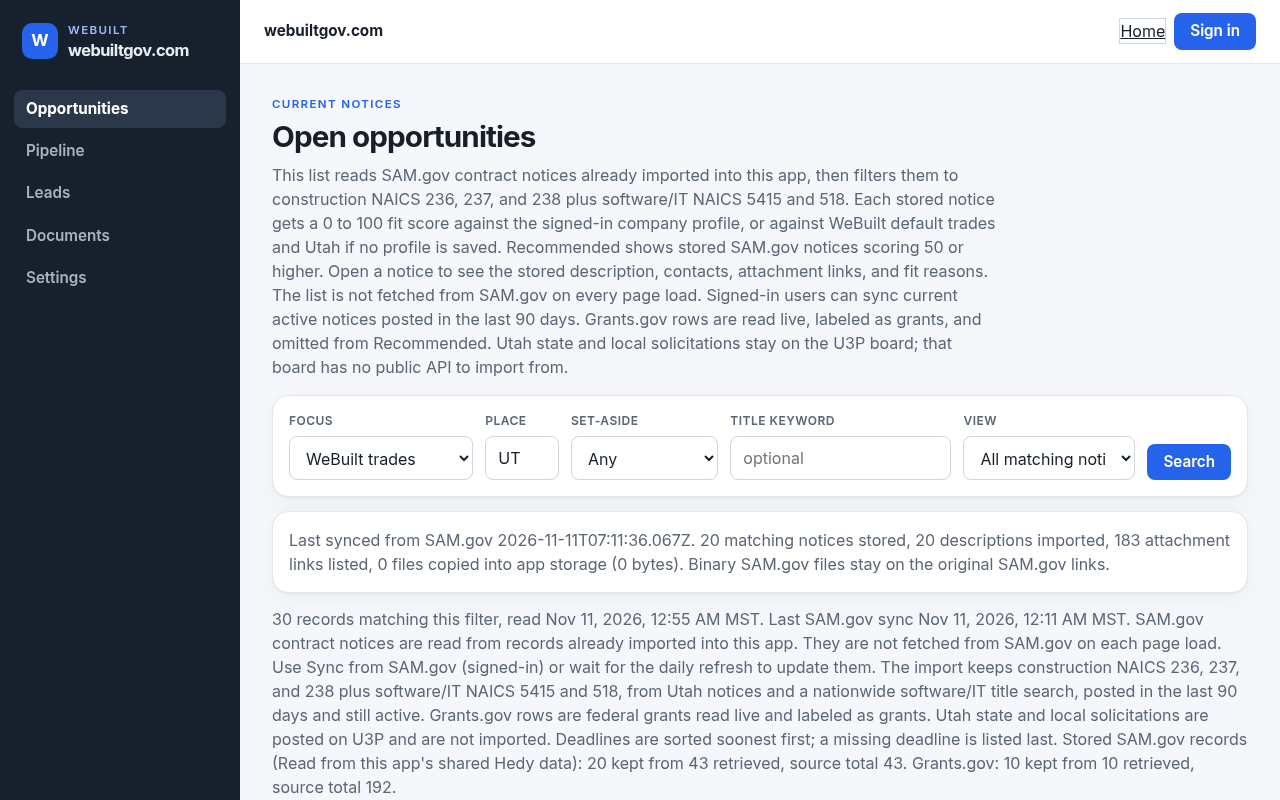


Live tools for the notices already stored.
Imported SAM.gov notices with a rule-based fit score.
Track status, notes, tasks, and in-app alerts.
Search USAspending awards and listed SAM.gov links.

These public federal sources only.
Imported contract notices, descriptions, and attachment links.
Posted federal grants, labeled separately from contracts.
Historical awards, not an open-solicitation feed.
A person outside the app still has to act before anything reaches an agency, a partner, or a bank.
WeGov does not submit a bid or proposal to a government system.
Contact uses your email app. Public request forms store a note in this app and do not send email.
The app does not sign or accept a contract, collect payment, or open checkout.